Good morning, afternoon, evening, or whenever you're reading this! Class started with us diving into Google Read and Write and trying out a ton of new features! I had no idea about add-ons like Vocabulary, where students can highlight a word from a website and have a visual dictionary created in seconds. This is very helpful with research when students come across unfamiliar words that require an understanding. This is great for so many takes things literally and can discover that words have multiple meanings.
Here is a great video that shows Google Read and Write in action! I challenge you to try the program first before looking at it so you can see what you can do!
My favourite function is the use of the highlighter which allows students to highlight parts of a website and organize by categories.

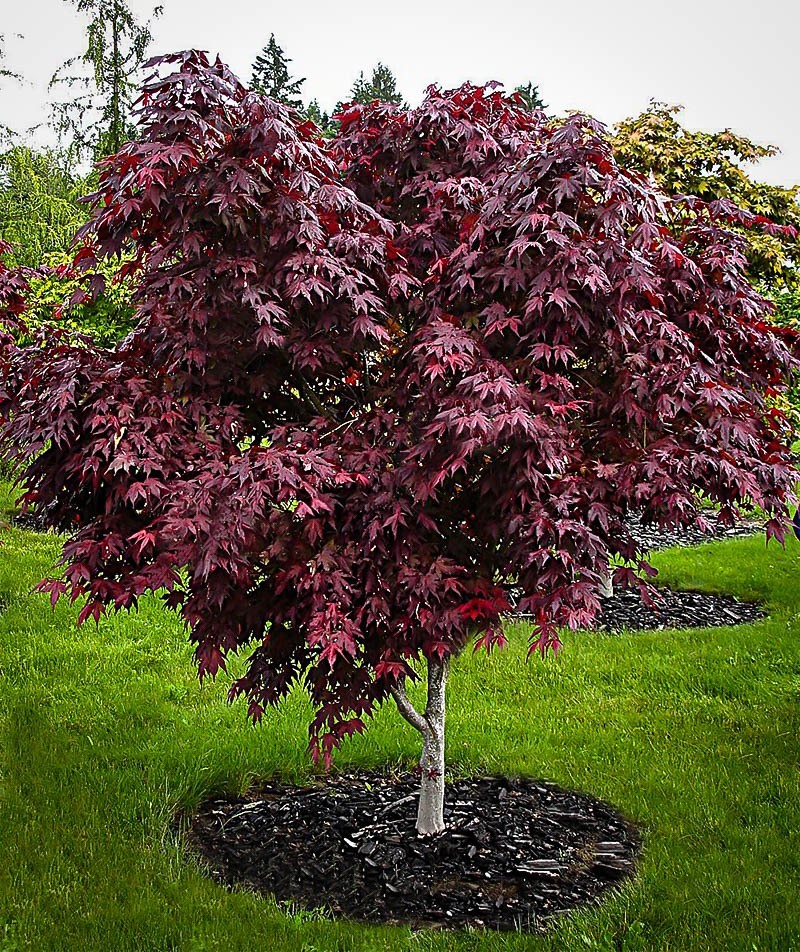
I decided to try this to learn more about maple trees, especially since we have one that we just planted in our front yard! Have you ever noticed how the leaves on a maple are upside down?
The greatest thing is that the demos are free, and based on our discussions it might require permissions from Tech Coordinators or regular updating, but it’s worth it!
We then were able to search for videos where we looked at writing tools to enhance performance for people living with Lou Gehrig’s disease or ALS. This video introduced me to a program that uses signals from the brain and converts it into text so that people can communicate.
I then spent the afternoon working with my partner Katie on creating an infographic about speech to text which was another reminder that it's great when it's connected with a student after doing a needs analysis - it doesn't fit everyone!
We spent the afternoon making an infographic about speech-to-text, please have a look and tell me what you think! Find it at the bottom of this page! Please come back and share your thoughts!

Damion I thought the highlighter function of Google Read & Write could be use by so many students. Students with and without learning difficulties. It could enhance students' learning by allowing them to gather information while doing research. Helping students sequence events in a story. Organizing different types of information by colour. It's a tool that my be essential to a students' learning or it could enhance it. Either way I see it valuable to many.
ReplyDeleteI love this video! I did a short PD session on Google Read & Write recently and I think this video would have sufficed! It's nice to see everything done on the screen in front of you!
ReplyDelete